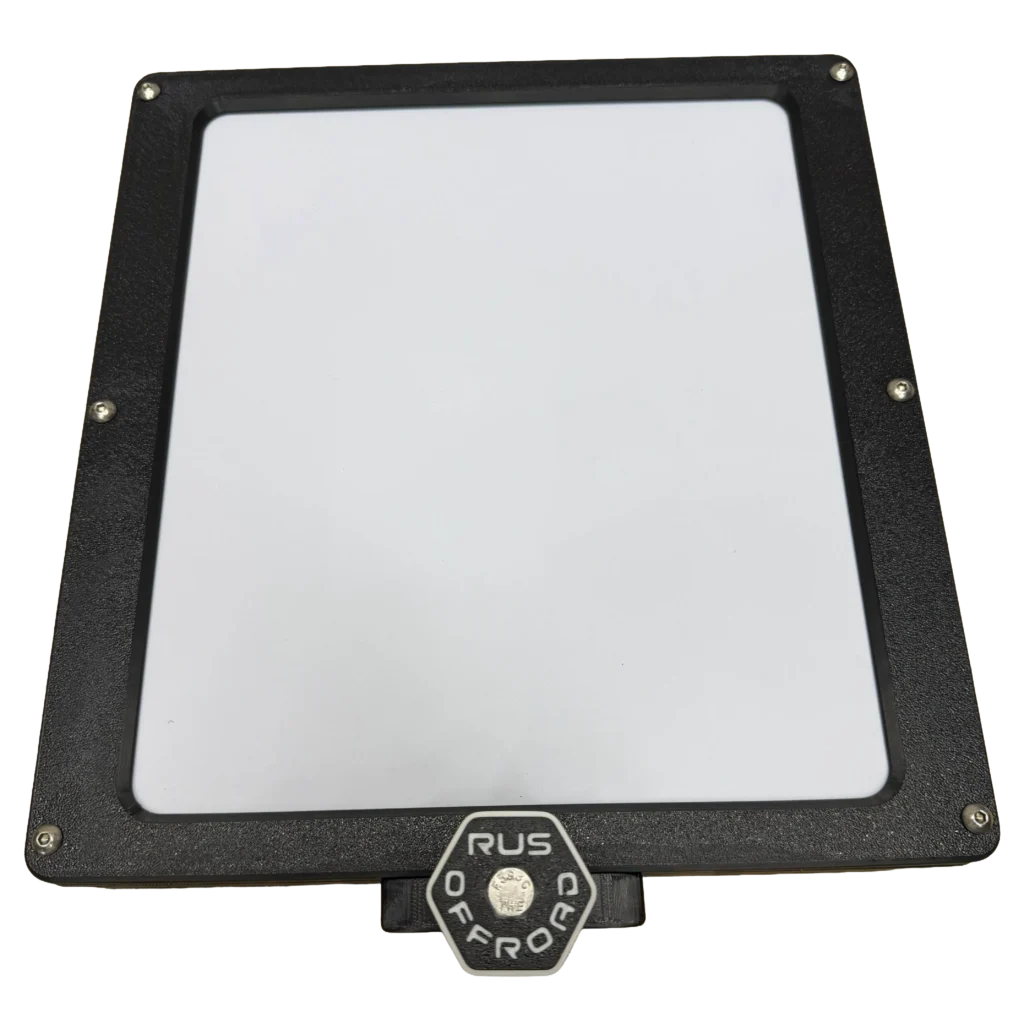
Starlink Packout Mount
1. Insert 5/16 Nut into slot. Push RUS Offroad Knob into hole with lock washer in between the mount and the knob. Thread once the anchor knob bolt reaches the nut. This is how you lock the mount into the packout once mounted. You will need to loosen to install on packout, but you don’t have to remove it.
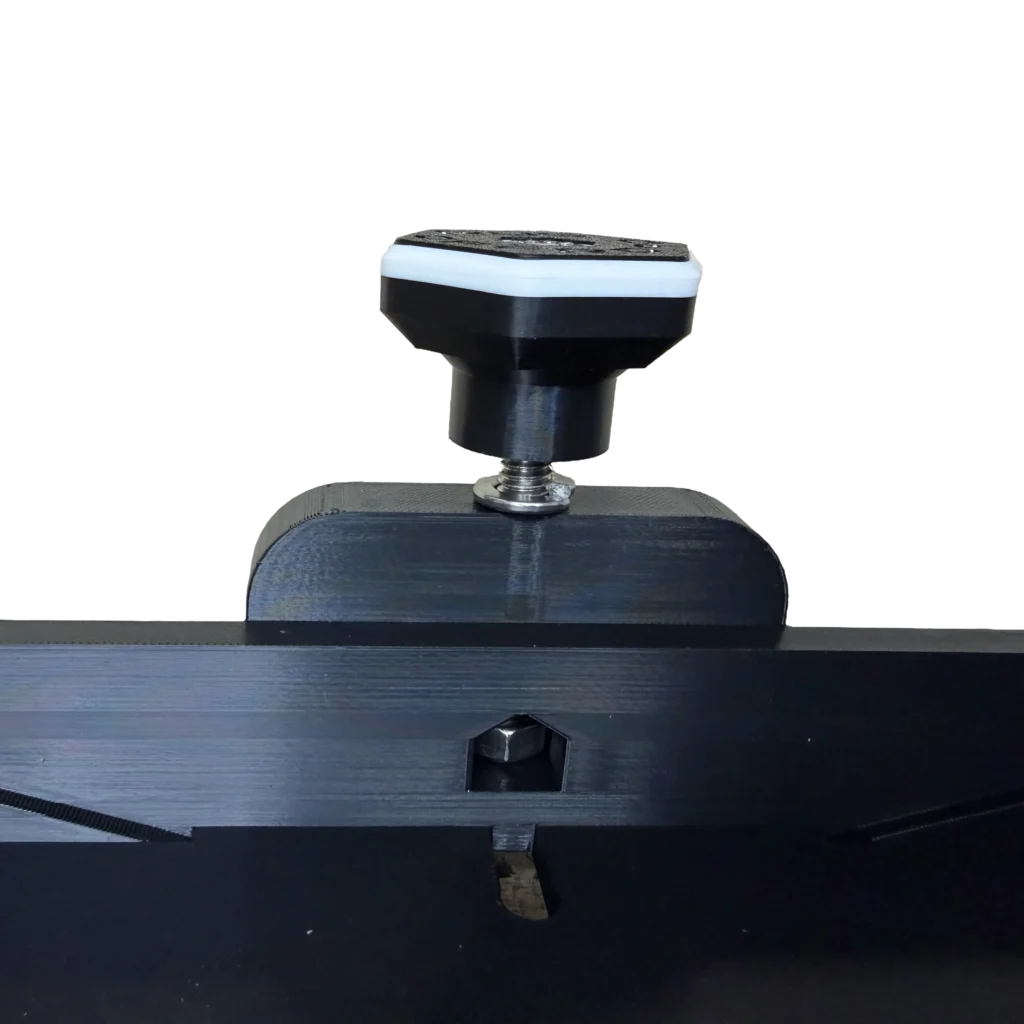
2. Insert Packout Feet with M4 Screws into the slot. On the other side, use a washer and M4 lock nut on each screw. Before tightening complexly, adjust spacing to your application.

3. Place Starlink Mini in the mount. Be sure to position so that the plug end of the Starlink is facing the slot in the back of the mount.
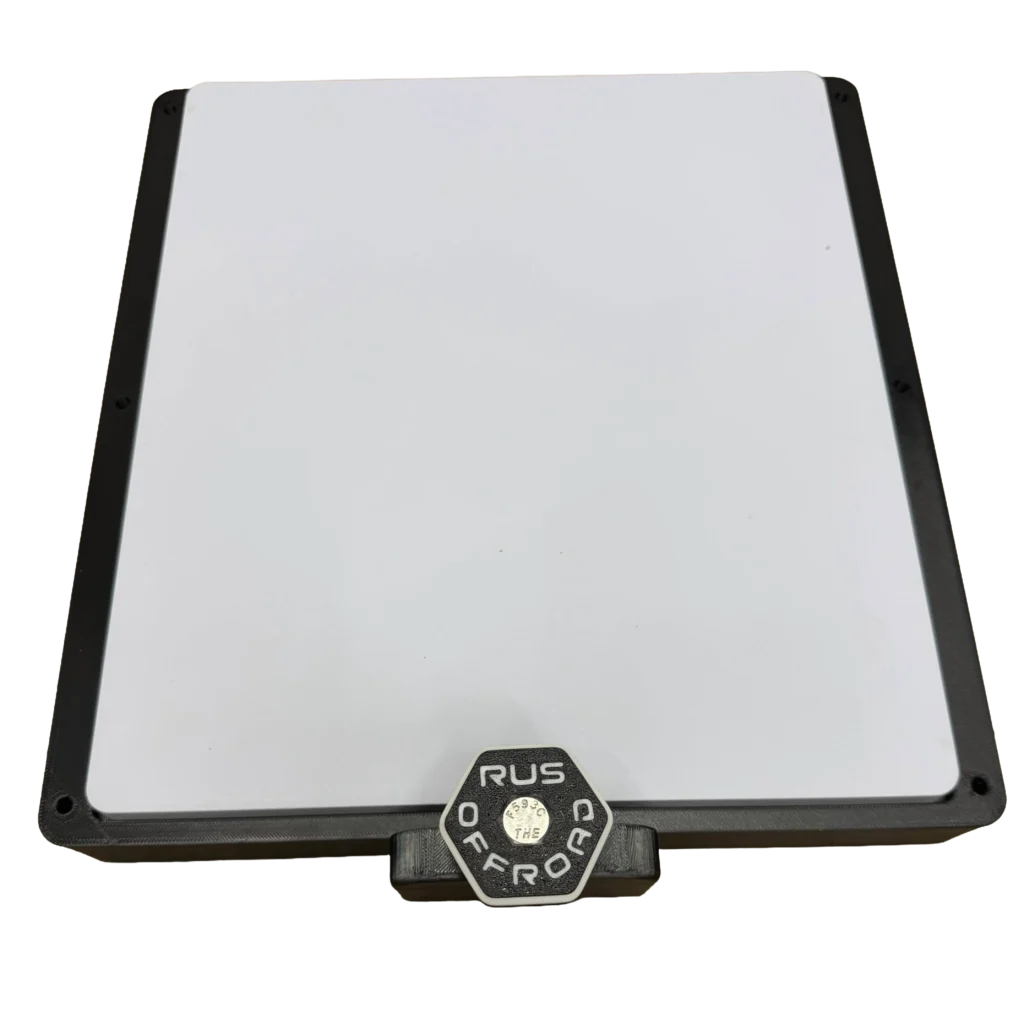
4. Place the lid on top of the Starlink Mini. Lineup the holes.
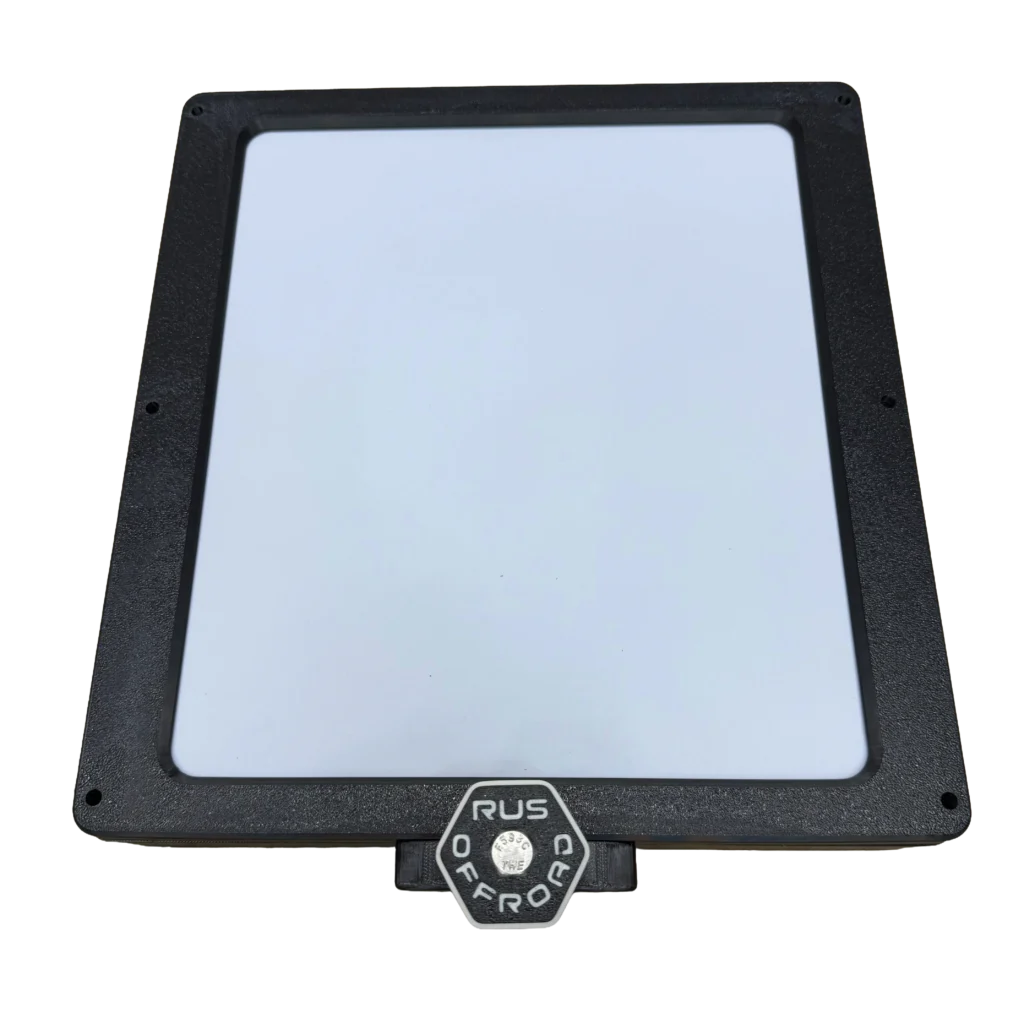
5. Insert the M5 Locknuts in the slots on the bottom of the mount. Be sure the locking part is facing the bottom of the mount (upside down).
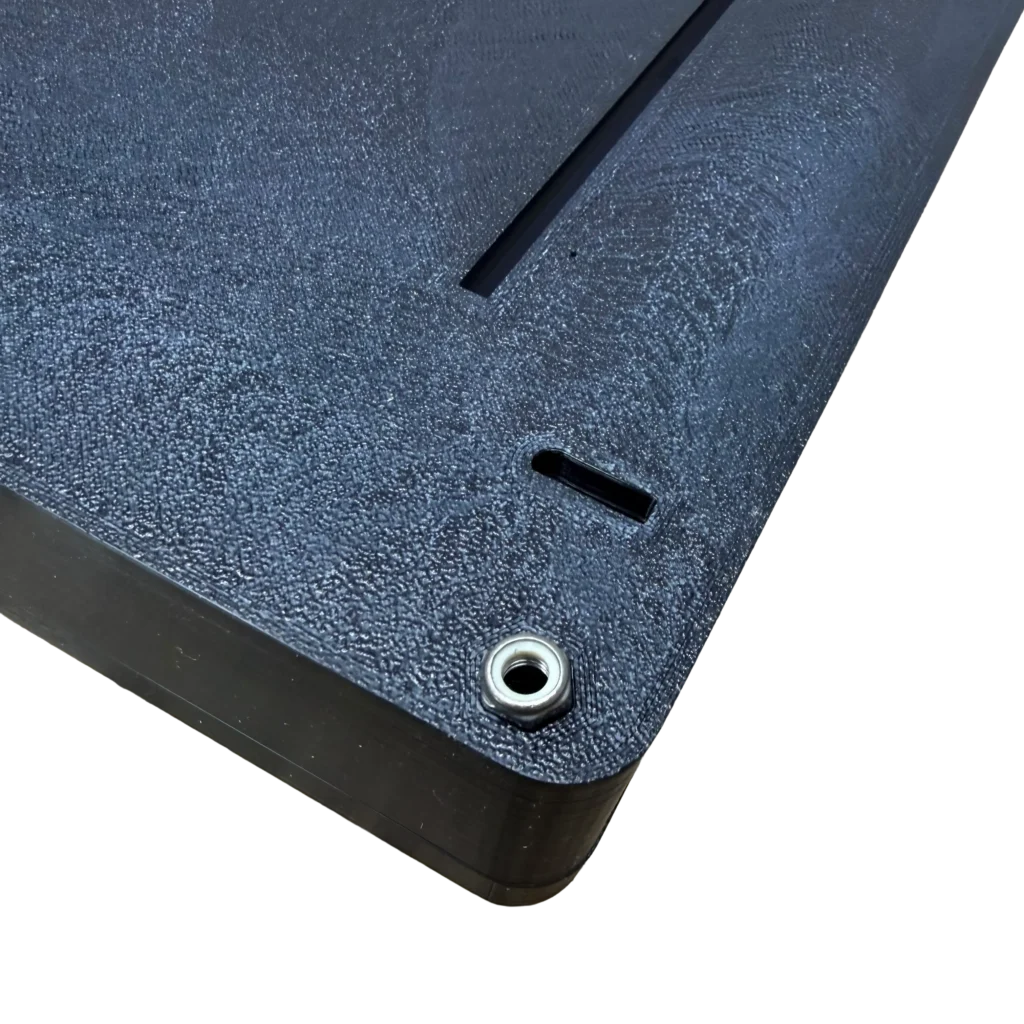
6. Insert the M5 bolts into the holes and tighten them into the lock nuts applied in the previous step.